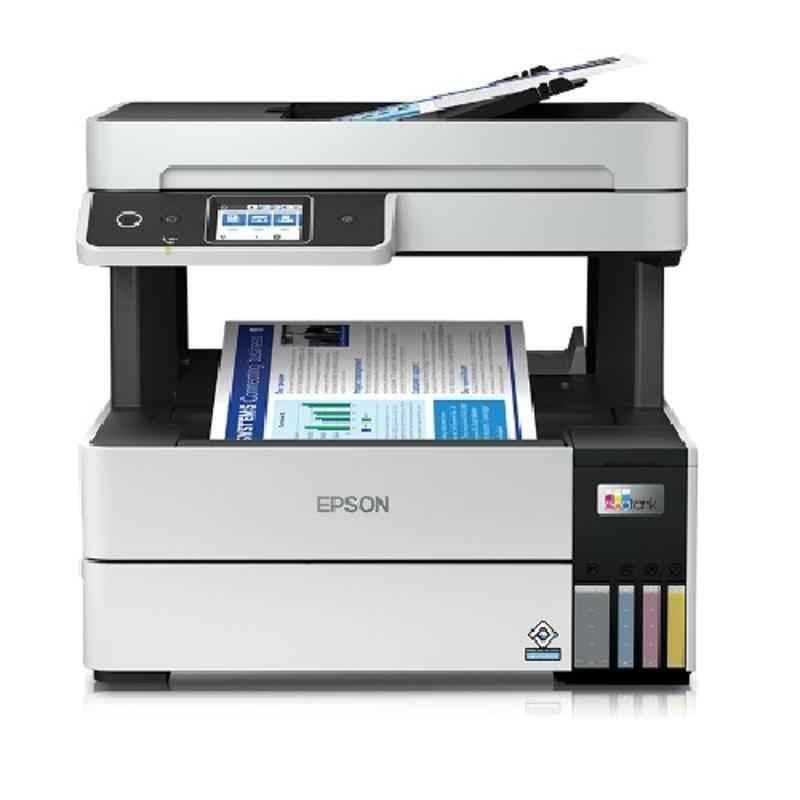

Epson EcoTank L6490 Printer – A Compact All-in-One Powerhouse
The Epson EcoTank L6490 Printer is designed for efficiency, reliability, and outstanding performance. With advanced PrecisionCore Heat-Free Technology and an EcoTank system, it is the ideal choice for businesses and professionals seeking cost-effective, high-quality printing, scanning, copying, and faxing solutions.
Key Features of Epson EcoTank L6490
- All-in-One Functionality: Includes printing, scanning, copying, and faxing in one compact design.
- High-Speed Performance: Print at up to 17 ipm (black) and 9.5 ipm (color) for maximum productivity.
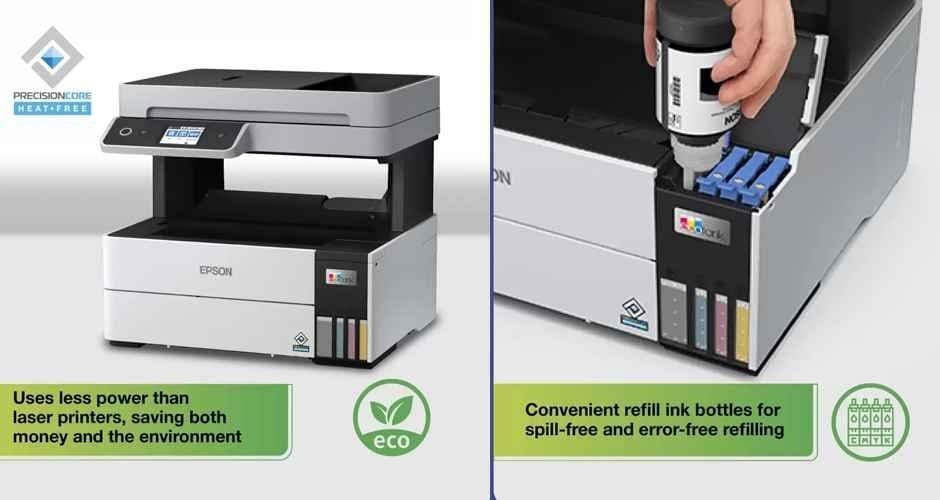
- EcoTank Technology: Ultra-low-cost printing with high-capacity, refillable ink tanks.
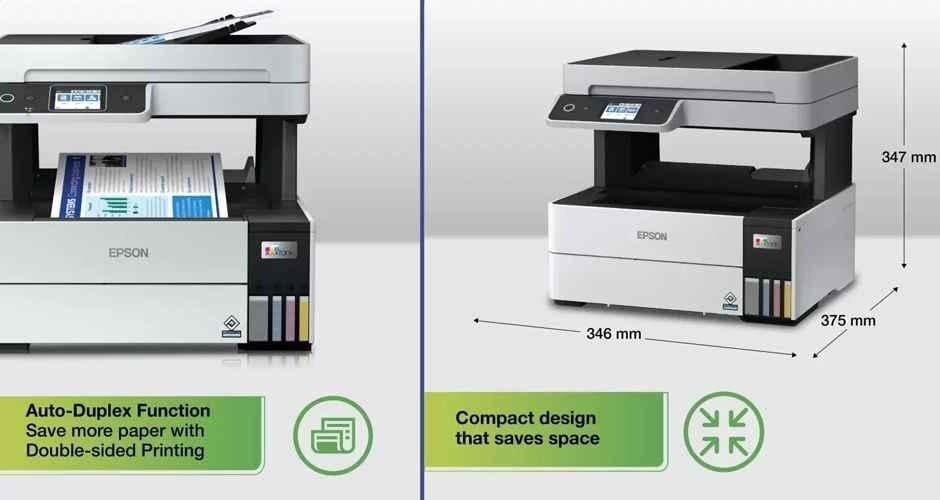
- Automatic Duplex Printing: Two-sided printing to save paper and time.
- Exceptional Quality: Prints sharp text and vibrant images with a resolution of 4800 x 1200 dpi.
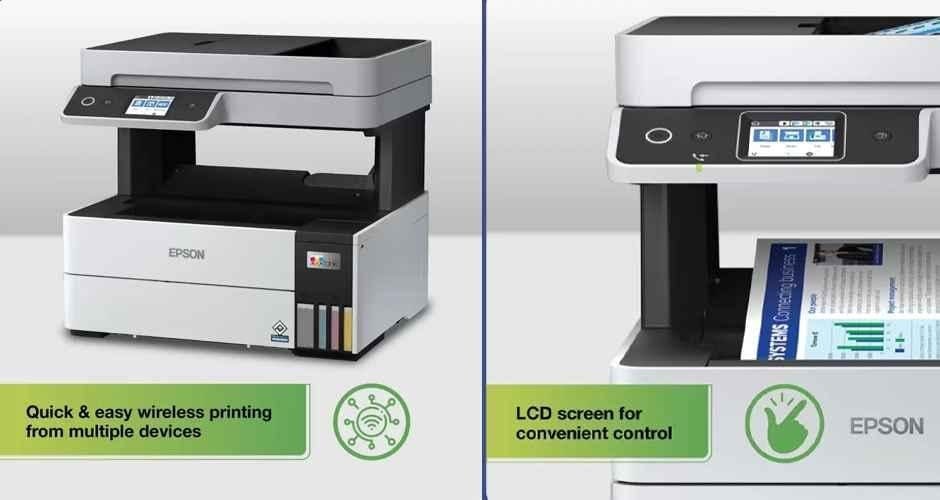
- Wireless Connectivity: Wi-Fi, Wi-Fi Direct, and Epson Smart Panel App support for mobile device printing.
- Enhanced Usability: Features a 2.4-inch color LCD for easy navigation.
Why Choose Epson EcoTank L6490?
- Cost-Effective Printing: Refillable ink tanks ensure reduced running costs and high page yields—7,500 pages (black) and 6,000 pages (color).
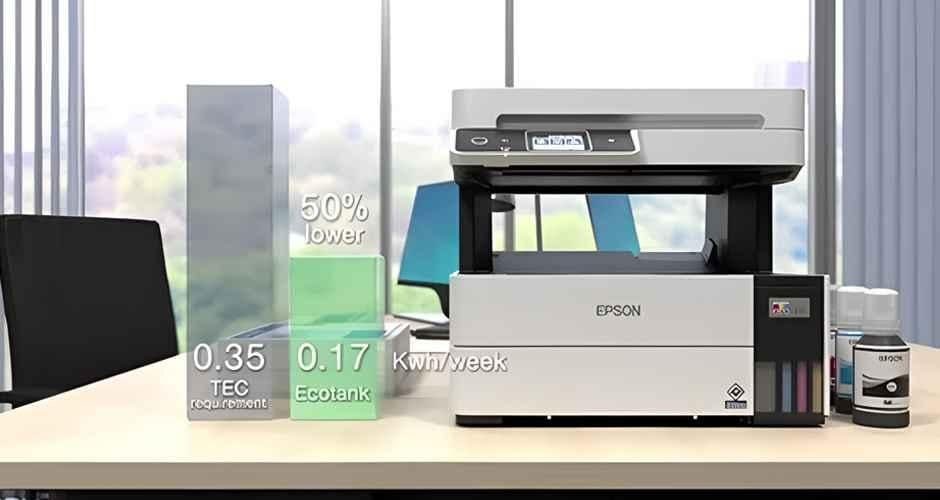
- Eco-Friendly: Built with energy-efficient technology and low environmental impact.
- Robust Design: Compact yet durable, perfect for office and home use.
- Versatile Media Handling: Supports various media types and sizes, including A4 and custom dimensions.
Technical Specifications
- Print Technology: PrecisionCore Heat-Free Technology
- Print Speed: Up to 17 ipm (black) and 9.5 ipm (color)
- Duplex Printing: Automatic
- Paper Capacity: 250-sheet input tray + specialty media rear tray
- Connectivity: Wi-Fi, Wi-Fi Direct, Ethernet, USB 2.0
- Operating Systems: Compatible with Windows and macOS
Warranty and Support
- Warranty: 1-year manufacturer warranty for hassle-free maintenance.
- Support Details:
- Toll-Free Numbers: 1800 425 00 11 / 1860 3000 1600 / 1800 123 001 600
- WhatsApp Support: +91 96400 00333
- Epson Support Page
Explore More Epson Products
Discover the complete range of Epson Printers for all your printing needs.
Reviews
There are no reviews yet.